
KAPX IDE / preview
Explore KAPX IDE
Preview the KAPX IDE workspace, Explorer, code editor and tool panels before installing. Explore the product layout and follow the path toward installation and integration.
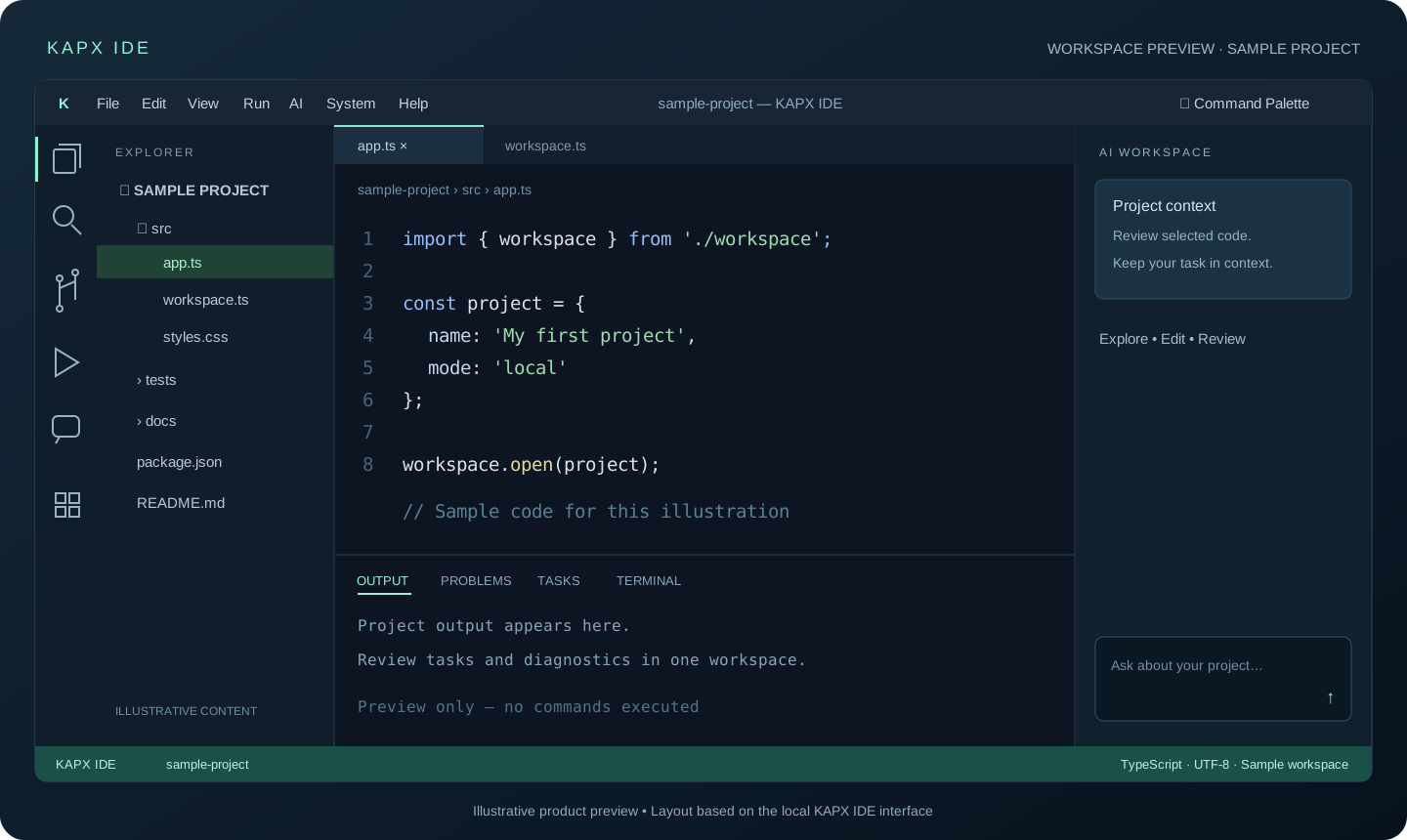
KAPX / SOURCE-BASED ILLUSTRATIONS
Additional workflow mockups
Vector illustrations use a sample project, informed by the interface and changelog. They are not screenshots, account data or successful execution evidence.
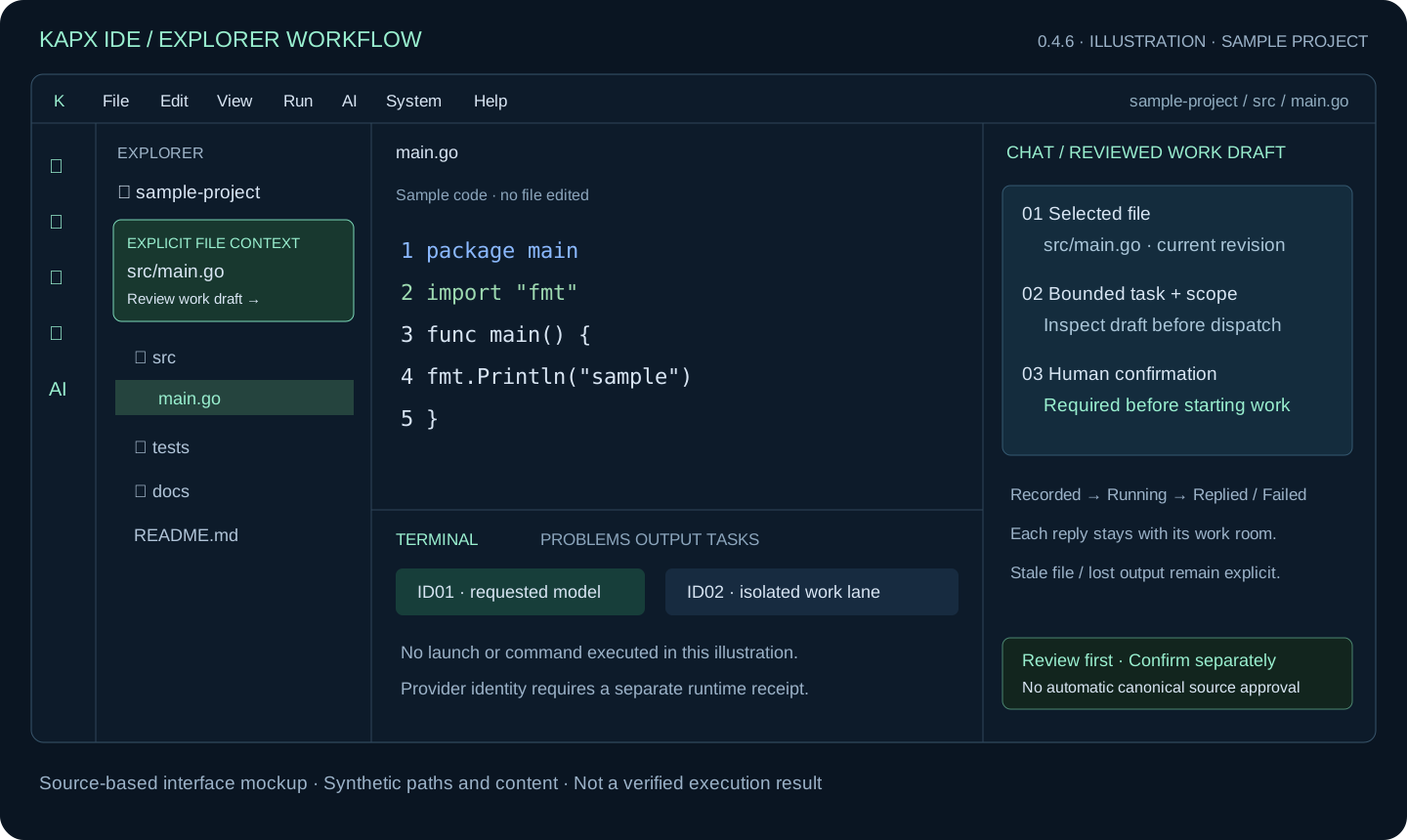
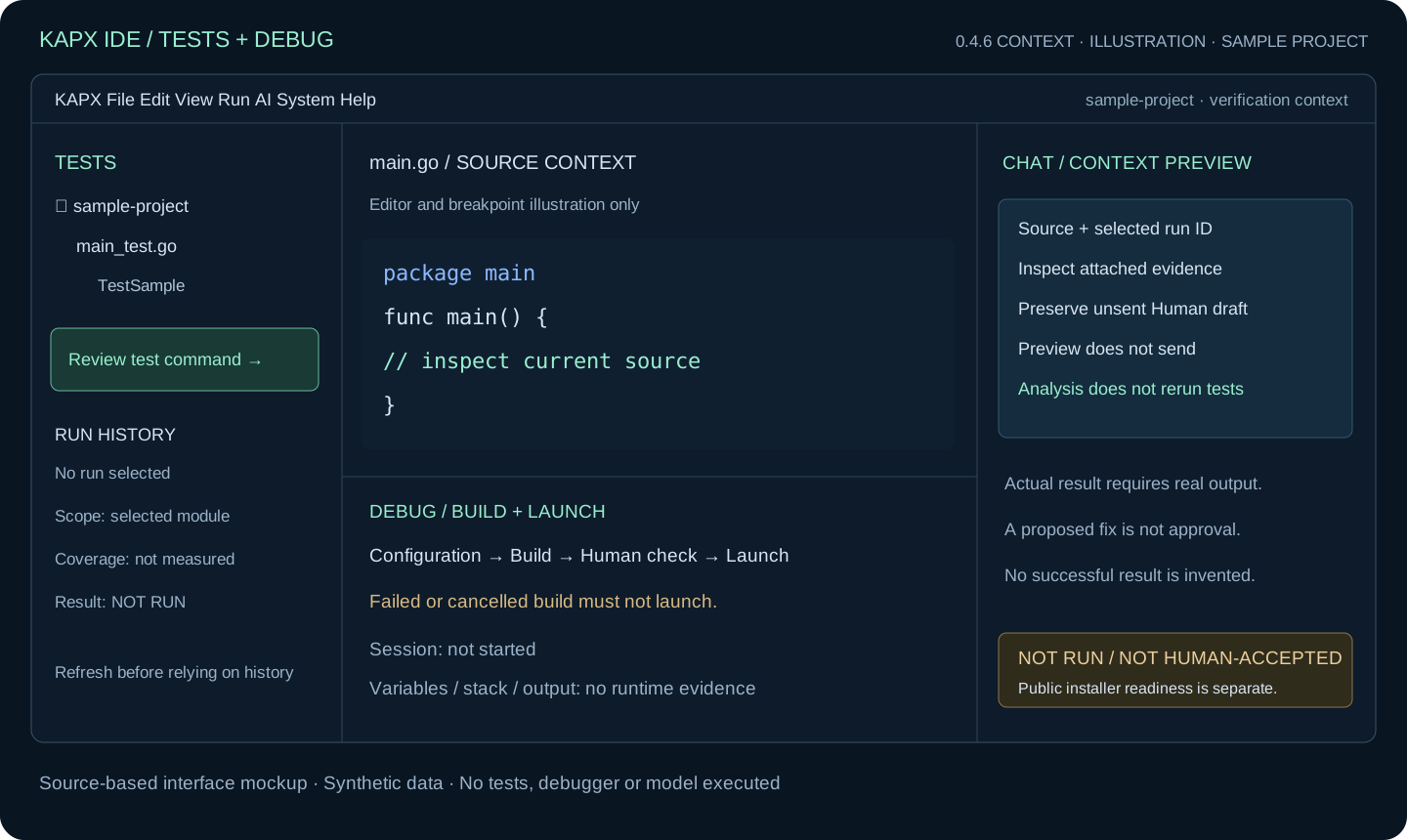
Find your project files
Browse the folder structure in the left sidebar and select a file to work on in the editor.
A place to focus on code
File tabs and breadcrumbs show the current context. Lower panels keep output, problems and tasks separate from the editor.
Work alongside AI tools
The IDE includes space for AI work. Availability depends on the provider, model and permissions configured on the user's machine.